
Hello Guys,
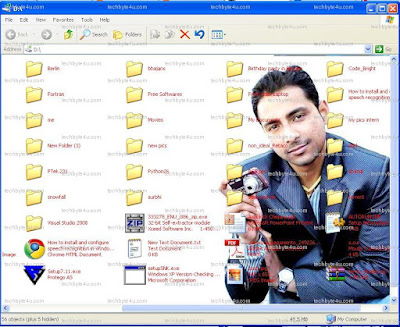
Here is the step by step procedure to Apply an image as background of any drive say C:, D:........
Step 1: Open notepad and write these lines:
1. Type in the exact line below :
[{BE098140-A513-11D0-A3A4-00C04FD706EC}]
2.Specify the picture : Now, in the next line we will specify the picture that we want to use as the background.... For that replace the path after '=' in following line with the path of the image you want to apply....
iconarea_image=C:\Documents and Settings\ach042\Desktop\DAccord\changepaper\background.bmp
3. Specify the icon label color: In the next line we will specify the icon label color or you can say the color of icon label's text.
iconarea_text=0x00FFFFFF
Most used colors code are:
- Black - 0x00000000
- White - 0x00FFFFFF
- Green - 0x0000FF00
- Blue - 0x00FF0000
- Purple - 0x00C000C0
- Red - 0x000000FF
- Yellow - 0x0000FFFF
- Indigo - 0x00FFFF00
 |
| so the final code will like like this |
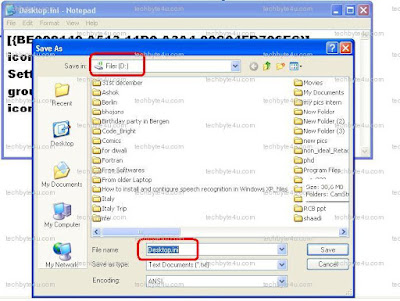
Step 2: Now save the notepad file with name desktop.ini in any drive.
Now just reopen the drive :)


